Learn How to Correct Errors and Resubmit Your Singapore Arrival Card Before Travel
Submit Your SGAC Correctly Now →Discovering an error on your Singapore Arrival Card (SGAC) after submission can be stressful, especially when you're preparing for your trip. The good news is that you can correct mistakes on your SGAC submission, but the process depends on when you discover the error and what type of mistake was made.
Understanding how to fix errors on your SGAC is crucial because inaccurate information can lead to delays at immigration or even denial of entry into Singapore. Whether it's a wrong passport number, incorrect arrival date, or outdated health status, this guide will show you exactly how to correct your SGAC submission.
These errors are critical and must match your actual passport exactly for immigration clearance.
Travel details should accurately reflect your actual arrival plans to avoid complications.
The ability to correct your SGAC depends on timing and the method you use:
Before Arrival in Singapore: Yes, you can make corrections to your SGAC submission as long as you have not yet arrived at the Singapore immigration checkpoint. The Singapore Immigration & Checkpoints Authority (ICA) provides two main methods for correcting errors:
After Arrival in Singapore: Once you've arrived at the checkpoint, you cannot edit your submission online. Instead, you must inform the ICA officers at the immigration counter about the error and they will assist you directly.
Review your SGAC submission carefully and identify exactly what information is incorrect. Check your email confirmation or MyICA app under "My Submissions".
Go to the ICA e-Service website or open the MyICA Mobile app. Look for the "Update SGAC" option or your submission history.
Use the Update SGAC feature to modify incorrect details, or submit a completely new declaration with all correct information.
Double-check all information before submitting again. Ensure passport details match exactly and all dates are accurate.
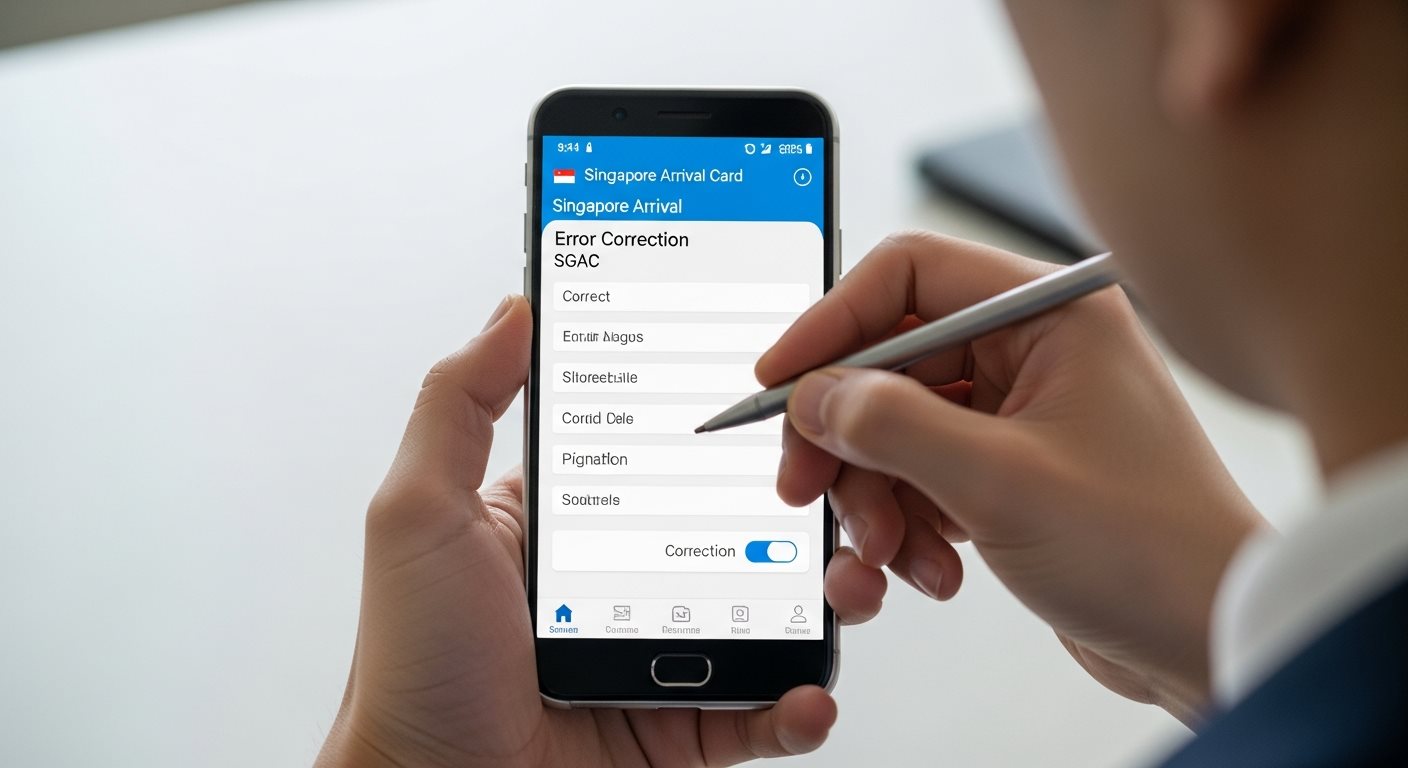
The Update SGAC feature is the official way to correct information on your existing Singapore Arrival Card submission. This feature is available on both the ICA e-Service website and the MyICA Mobile app.
The system will record your updated information and the most recent submission will be used during your immigration clearance.
Avoid immigration delays by ensuring your information is accurate
Submit Corrected SGACUse the "Update SGAC" feature when:
Advantage: Faster process, maintains submission history, ideal for small changes.
Create a new submission when:
Advantage: Ensures all information is completely accurate from scratch, no confusion.
Different types of errors require different correction approaches:
| Error Type | Severity | Correction Method | Urgency |
|---|---|---|---|
| Passport Number | Critical | Resubmit new SGAC immediately | High - Must fix before travel |
| Name/Surname Spelling | Critical | Resubmit new SGAC immediately | High - Must match passport exactly |
| Arrival Date/Time | High | Update SGAC or resubmit | High - Must be within 3-day window |
| Flight/Vessel Number | Medium | Update SGAC feature | Medium - Update before departure |
| Accommodation Address | Medium | Update SGAC feature | Medium - Should be accurate |
| Contact Information | Low | Update SGAC feature | Low - Update when convenient |
| Health Status Change | Critical | Update SGAC immediately | Urgent - Legal requirement |
Failing to correct errors on your SGAC can lead to serious consequences, including:
It's always better to correct errors as soon as you discover them.
No, you cannot use the online Update SGAC feature after arrival. However, you can still address errors:
To avoid this situation, always review your SGAC carefully before arriving in Singapore.
No, correcting your SGAC is completely free. Just like the original submission, there is no government fee for:
Beware of third-party websites that charge fees for SGAC corrections. The SGAC is completely free through official ICA channels.
There is no limit to how many times you can update your SGAC before arrival. The system will always use the most recent submission during immigration clearance.
However, it's best to:
Passport information errors are critical and must be corrected immediately:
Your passport details must match exactly for immigration clearance.
While not mandatory, it's highly recommended to keep proof of your updated SGAC:
This proof can be helpful if any questions arise during immigration clearance.
Gather your passport, flight tickets, and accommodation confirmation before starting your SGAC. Have all required information ready.
Review each field carefully as you fill it out. Pay special attention to passport numbers, dates, and spelling of names.
Before clicking submit, review the entire form one final time. Check that all dates are in the correct format and all details match your documents.
The MyICA app can save your profile information for future trips, reducing the chance of errors and making resubmission easier.
Don't wait until the last minute. Submit your SGAC early (up to 3 days before arrival) to give yourself time to correct any errors.
After submission, save your confirmation email and take screenshots. This makes it easier to spot errors and provides reference for updates.
If you submitted SGAC for multiple people and discovered an error in one person's information:
If your flight details change close to departure:
Don't risk immigration delays or entry denial. Take action now to ensure all your SGAC information is accurate and complete. Whether you need to update minor details or submit a completely new declaration, the process is free and straightforward.
Submit Corrected SGAC NowFree submission through official ICA channels. Review carefully before submitting.