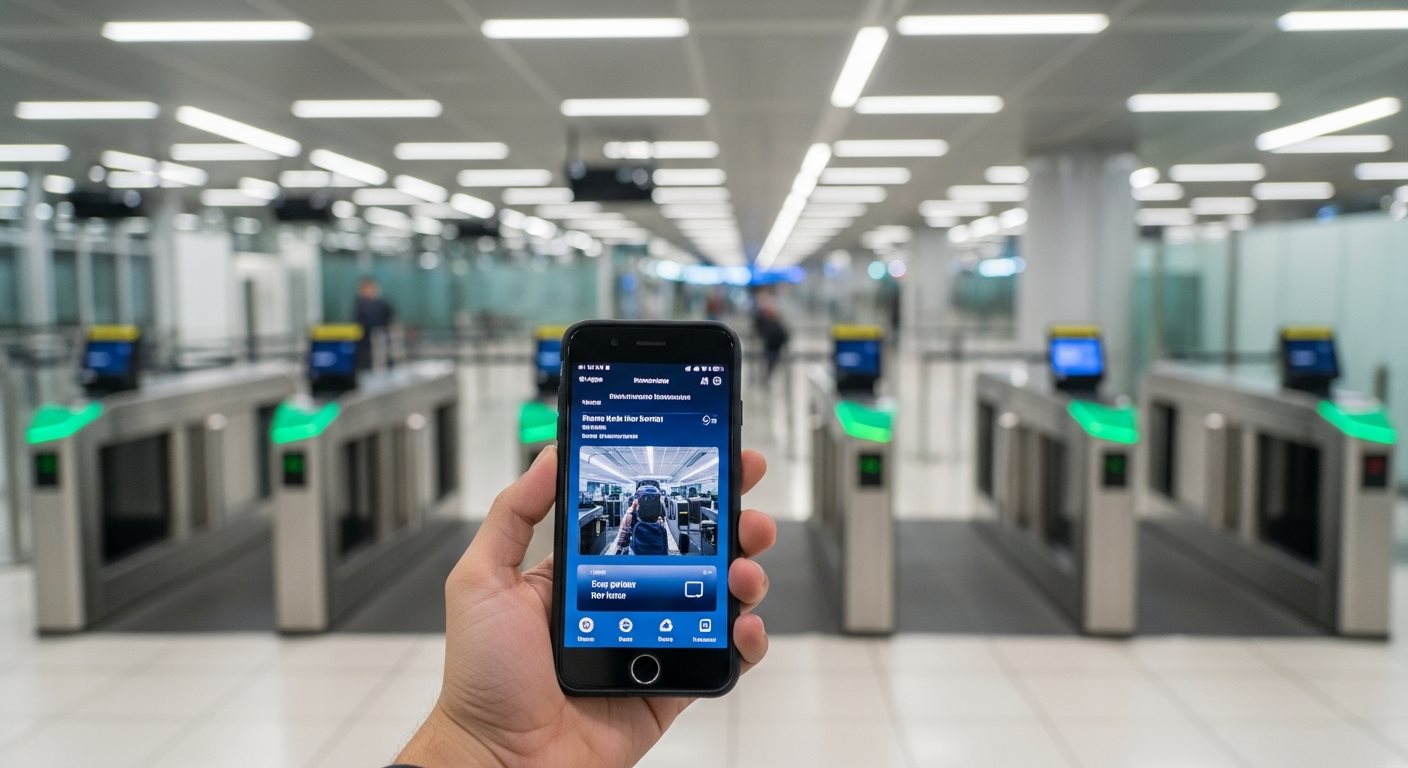
Everything You Need to Know About the SGAC QR Code at Immigration
Complete Your SGAC Now →When you submit your Singapore Arrival Card (SGAC) through the official ICA website or MyICA Mobile app, you may wonder about the QR code and whether you need it for immigration clearance.
The good news is that the SGAC system is fully digital, and Singapore immigration officers can access your submission directly in their system using your passport information. This means you typically do not need to show any physical QR code or printout when you arrive in Singapore.
However, understanding how the system works can help you feel more confident and prepared when you reach the immigration checkpoint.
You do not need to show a QR code at Singapore immigration after submitting your SGAC. The system works electronically, and immigration officers can verify your submission using your passport.
Simply present your valid passport at the immigration counter, and officers will access your pre-submitted SGAC information electronically.
While not mandatory, some travelers choose to keep a screenshot or record of their SGAC submission for their own peace of mind.
This is purely optional and not required for immigration clearance, but it can serve as a personal record of your compliance.
Singapore's immigration system is highly advanced and fully integrated. Here's what happens when you submit your SGAC:
Complete your SGAC via the MyICA app or official ICA website within 3 days before arrival.
Your information is immediately transmitted to the Immigration & Checkpoints Authority database and linked to your passport number.
When you present your passport at immigration, officers scan it and instantly see your SGAC submission in their system.
Because your declaration is pre-submitted, the immigration process is faster and more streamlined.
No physical document, QR code, or email confirmation is needed. The entire process is paperless and designed for maximum convenience.
Join thousands who complete their declaration in minutes
Start Your ApplicationNo confirmation email is sent after you submit your Singapore Arrival Card. The system processes your declaration automatically and stores it in the ICA database.
You can verify your submission or retrieve your SGAC details through the MyICA portal if needed before your arrival.
Simply present your valid passport to the immigration officer. They will scan your passport and automatically retrieve your SGAC submission from the system.
Make sure the passport you present is the same one you used when submitting your SGAC. There's no need for any printouts, QR codes, or confirmation documents.
If you arrive in Singapore without having submitted your SGAC in advance, you may face delays at immigration or, in some cases, denial of entry.
It is critical to submit your SGAC within the 3-day window before arrival. If you realize you haven't submitted it and still have time before your flight, complete it immediately through the MyICA app or website.
Yes! Automated clearance systems at Singapore's checkpoints rely on biometric scanning (fingerprints and facial recognition) combined with your passport information.
As long as you've submitted your SGAC in advance, you can use automated lanes if you're eligible. The system will automatically verify your pre-submitted declaration.
After completing your SGAC submission, you should see a confirmation page indicating successful submission. Take a screenshot of this page for your records.
You can also check your submission status through the MyICA portal by logging in and viewing "My Submissions." This allows you to verify that your declaration was properly received.
If you discover an error after submitting, you can submit a new SGAC declaration with the correct information. The system will use the most recent submission.
It's important to ensure all information is accurate, especially passport details and arrival dates, to avoid any issues at immigration.
If you're concerned about having proof of your SGAC submission:
Remember, these steps are for your personal peace of mind only—none of these documents are required at immigration.
When you arrive at Singapore's immigration checkpoint:
The entire immigration process is designed to be seamless and efficient with pre-submitted SGAC data.
Both methods provide the same result—no QR code or confirmation required at immigration:
| Feature | MyICA Mobile App | ICA Website |
|---|---|---|
| Submission Process | Mobile-optimized interface | Desktop/mobile browser |
| Confirmation | In-app confirmation screen | Web-based confirmation page |
| QR Code Provided | No (not needed) | No (not needed) |
| Retrieval | Check "My Submissions" in app | Log in to portal online |
| Immigration Use | Automatic via passport scan | Automatic via passport scan |
| Best For | Group submissions, frequent travelers | One-time submissions, larger screens |
Learn more about choosing between the MyICA app and website for your submission.
Submission of the Singapore Arrival Card through official channels is 100% free of charge. Be cautious of third-party websites or services that charge fees for SGAC submission assistance.
These commercial services are not endorsed by ICA and offer no additional value. Learn more about avoiding SGAC scams and unnecessary fees.
The Singapore Arrival Card is a mandatory health and immigration declaration, but it is not a visa. If your nationality requires a visa to enter Singapore, you must apply for it separately.
Understand the key differences between SGAC and a Singapore visa to ensure you meet all entry requirements.
All travelers entering Singapore must submit an SGAC, including children and infants. Parents can submit on behalf of their children using the group submission feature.
Learn how to complete SGAC for families and groups efficiently in one session.
No QR code needed—just complete your SGAC online and bring your passport to immigration. The entire process takes less than 10 minutes.
Complete Your SGAC Application NowOfficial submission is free. Submit up to 3 days before arrival.