Lost Your Confirmation Email? Here's How to Check Your SGAC Status Before Arrival
Submit Your SGAC Now →After submitting your Singapore Arrival Card (SGAC), you may need to retrieve or verify your submission details for various reasons. Whether you've lost your confirmation email, want to double-check the information you provided, or need to update your travel details, knowing how to access your SGAC submission is essential for a smooth entry into Singapore.
Many travelers wonder: "Will I receive a confirmation email?" or "How can I check if my submission was successful?" This guide will walk you through all the methods available to retrieve and verify your Singapore Arrival Card submission before your arrival.
Understanding these processes ensures you're fully prepared when you reach Singapore immigration, avoiding any potential delays or complications at the checkpoint.
The confirmation process for SGAC submissions varies:
Bottom line: Don't rely solely on email confirmation to verify your SGAC submission.
When you submit your SGAC, the following information is recorded in the ICA system:
This information is available to immigration officers when you arrive in Singapore.
There are two official methods to retrieve and verify your Singapore Arrival Card submission. Both methods are free of charge and provided by the Immigration & Checkpoints Authority (ICA) of Singapore.
The MyICA Mobile App is the most convenient way to check your SGAC submission status:
Advantage: The MyICA app saves your profile information, making it easier to submit future SGAC declarations and review past submissions.
If you prefer not to use the mobile app, you can check your submission through the official ICA website:
Important Note: Always use the official ICA website or MyICA app. Beware of third-party websites that may charge fees or compromise your personal information.
Complete your Singapore Arrival Card online in minutes
Start Your Application NowTo access your SGAC submission details through either the MyICA app or website, you'll typically need:
Tip: Have your passport handy when trying to retrieve your SGAC submission to ensure you enter all details accurately.
If you're unable to retrieve your SGAC submission using the standard methods:
Alternative: You can always submit a new SGAC declaration if needed - the most recent submission will be used at immigration.
If you've lost your SGAC confirmation email or details, don't panic. Your submission is still valid and stored in the ICA system. Here's what you should know:
Even without a confirmation email, your SGAC submission is registered in Singapore's immigration system. When you arrive at immigration:
Important reminder: You are not required to show any printed confirmation or email at Singapore immigration. Your SGAC information is already in their system and linked to your passport.
The SGAC is entirely electronic. You don't receive a physical card or need to print anything for immigration clearance.
Immigration officers verify your SGAC through their system using your passport - no confirmation email required.
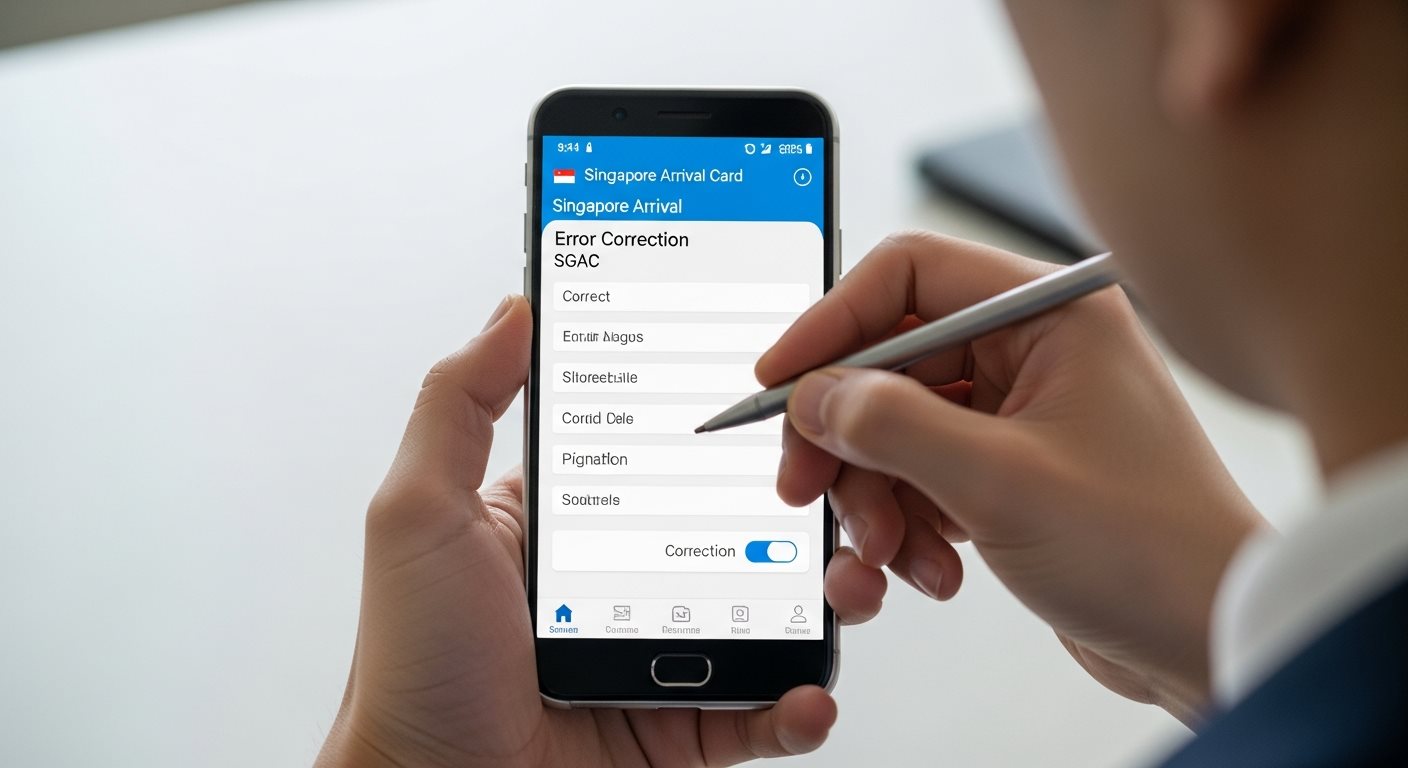
You can retrieve and update your SGAC submission before arrival using the "Update SGAC" feature on MyICA or the website.
All official ICA services for checking, retrieving, or updating your SGAC are completely free of charge.
Your SGAC is valid when submitted within 3 days before arrival. Check your submission is within this timeframe.
Only use official ICA channels (MyICA app or official website) to retrieve your submission for security and privacy.
Many travelers ask whether they can download or print their Singapore Arrival Card submission. Here's what you need to know:
Official policy: Travelers do not receive a physical or downloadable card. The SGAC information is submitted electronically to the ICA, and the data is stored in their immigration system.
No. Singapore immigration does not require you to present any printed SGAC confirmation. The officers access your submission electronically when they scan your passport at the immigration checkpoint.
However, if keeping a printed copy gives you peace of mind, you can:
Remember: These printouts are for your personal reference only and are not required or requested at immigration.
You should update your SGAC submission if any of the following details change before your arrival:
Keeping your SGAC information accurate ensures a smooth immigration process and compliance with Singapore's entry requirements.
To update your SGAC after submission:
Alternative method: You can also submit a completely new SGAC with the correct information. The immigration system will use your most recent submission.
Learn more about updating your trip details on SGAC.
Yes, your submission is still valid. Not all travelers receive a confirmation email, but your SGAC data is stored in the ICA system regardless. You can verify your submission through the MyICA app under "My Submissions" or use the SGAC e-Service portal.
Immigration officers will access your SGAC information using your passport when you arrive, so no confirmation email is required.
You can verify your SGAC submission in two ways:
You'll need your passport number, date of birth, and arrival date to retrieve your submission details.
No printed confirmation is required. The Singapore Arrival Card is entirely electronic. Immigration officers access your SGAC information directly from their system using your passport.
While you can keep a screenshot or printout for your personal reference, it's not necessary for the immigration process. Learn more about what happens after submitting your SGAC.
Yes, you can retrieve your SGAC submission as long as it's within the valid timeframe. Remember that SGAC must be submitted within 3 days before your arrival in Singapore.
If your submission is older than your arrival date window, you may need to submit a new SGAC with your current travel details. Check the SGAC submission window for more information.
If you can't locate your submission in the MyICA app, try the following:
If you're still unable to find your submission, you can safely submit a new SGAC. There's no penalty for multiple submissions - the most recent one will be used.
No, it is completely free. All official services related to the Singapore Arrival Card - including submission, retrieval, checking status, and updates - are provided free of charge by the Immigration & Checkpoints Authority.
Beware of third-party websites that may charge fees for these services. Always use the official MyICA app or ICA website. Learn more about why the SGAC is free.
Complete your SGAC application now and have peace of mind knowing your submission is registered in Singapore's immigration system. The process takes less than 10 minutes, and you can check your submission status anytime through MyICA.
Start Your SGAC Application NowFree official submission • Valid for 3 days before arrival • Accessible 24/7